
These guides cover:
- How to Activate License Key
- How to Enable the Auto Generate Tracking
- How to Add Shipment Status in Free Version
- How to Print Label & Invoice
- How to update your date format WPCargo
- Shortcodes included with WPCargo Track & Trace
- Shipper Manager
- Driver Accounts
- How to set up WordPress in your language
- Email Settings
- How to Install and add License Key to the WPCargo Add ons
- WPCargo Installation
- How to Change Domain in License Key
- How to Add More Custom Field and Customize Export Result
- Branch Manager
- How to Notify in Specific Shipment Status
- Step by Step Installation of WPCargo and the Add-ons
- How to Set-up WPCargo Pages
- How to remove the Demo Notice
- How to track a cargo/shipment?
- Cashier
- Requirements
- How to check your PHP Version and IonCube Version
1. Go to your WPCargo website and login to your account.
2. From the dashboard, click My Subscription.
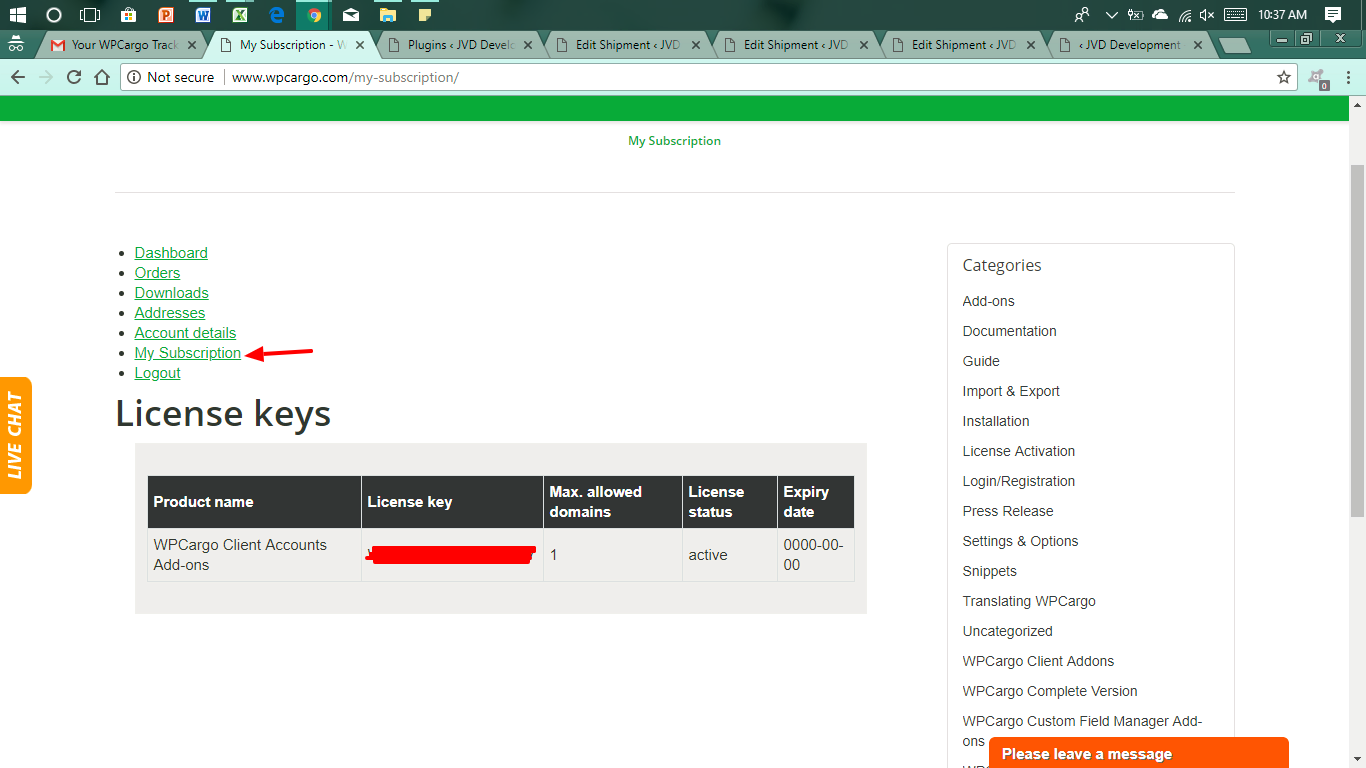
3. Copy the License Key from your email to activate.
4. Follow the process on how to activate the License Key – How to Activate License Key
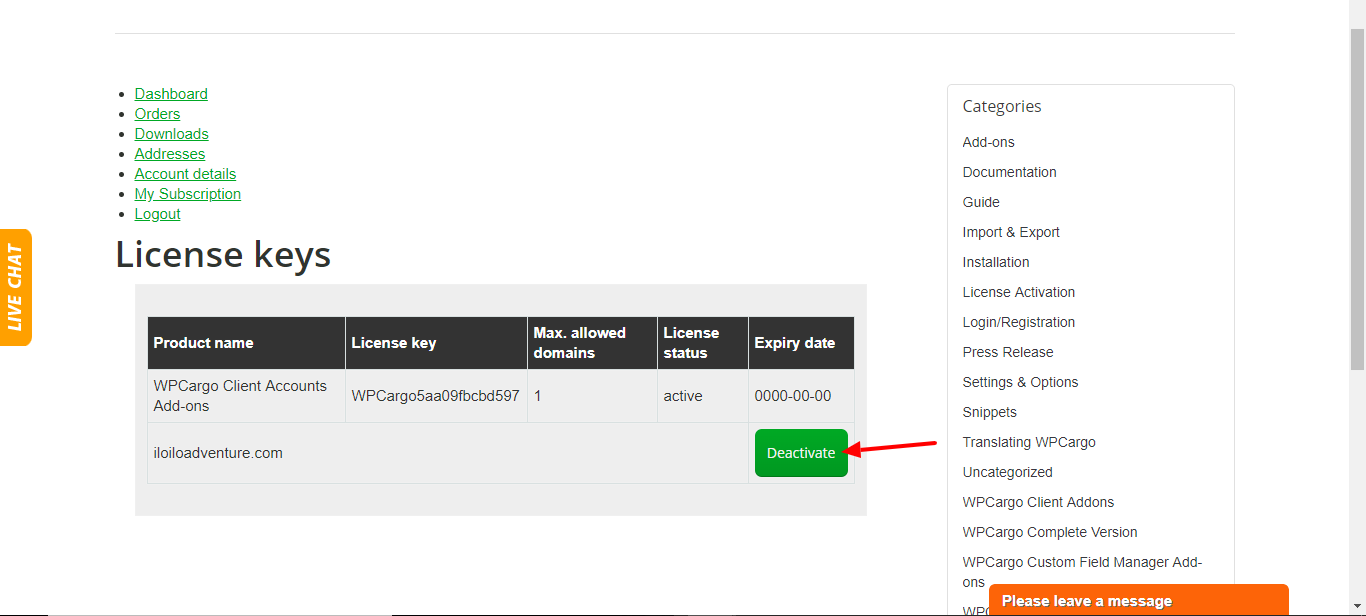
Note: If you want to reset your license key, log in to wpcargo.virtuosomasterhosting.com/ using your WPCargo account. Click My Subscription > Deactivate.