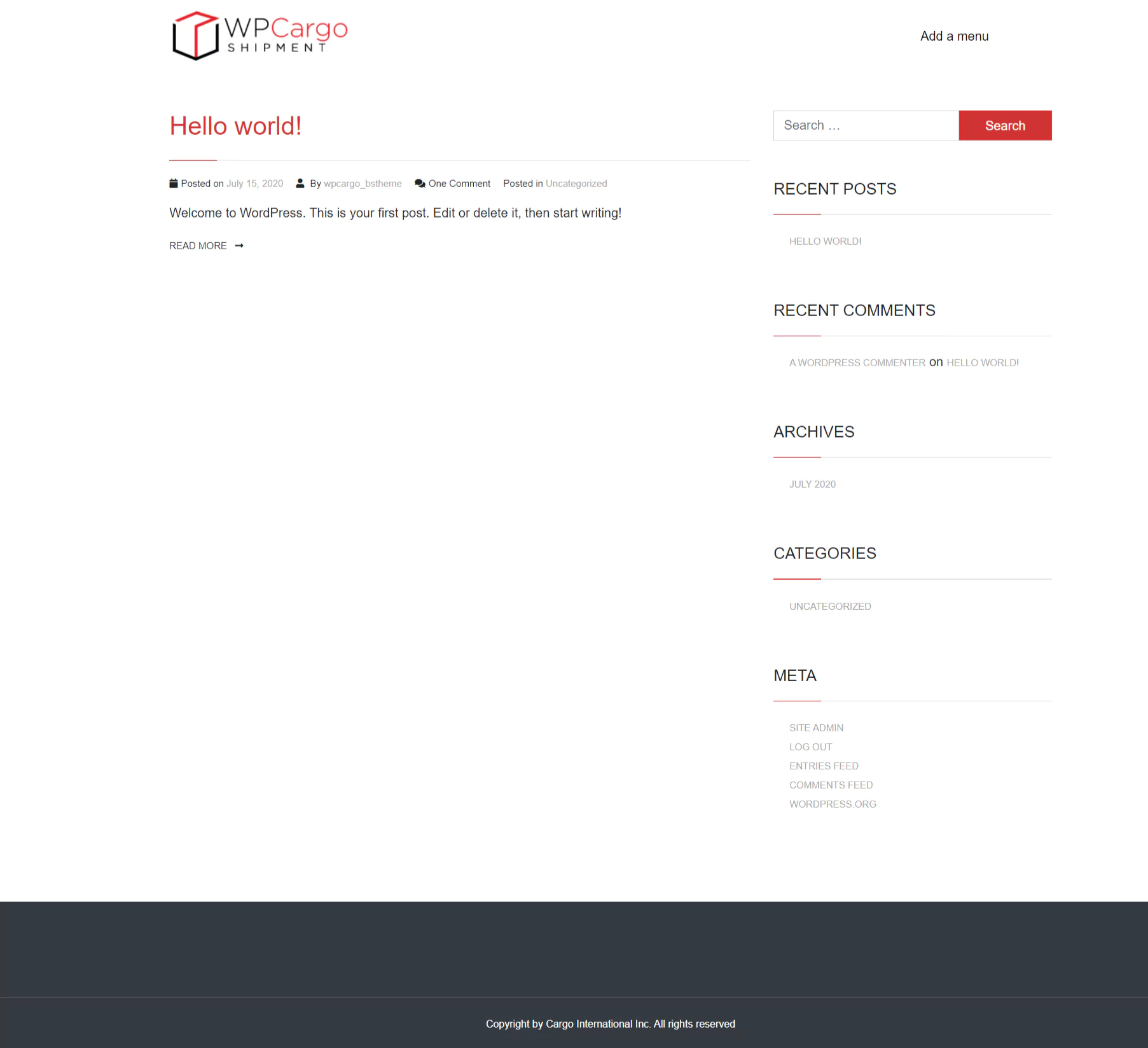
- Download the theme’s zip file.
- Login to your site’s wp-admin.
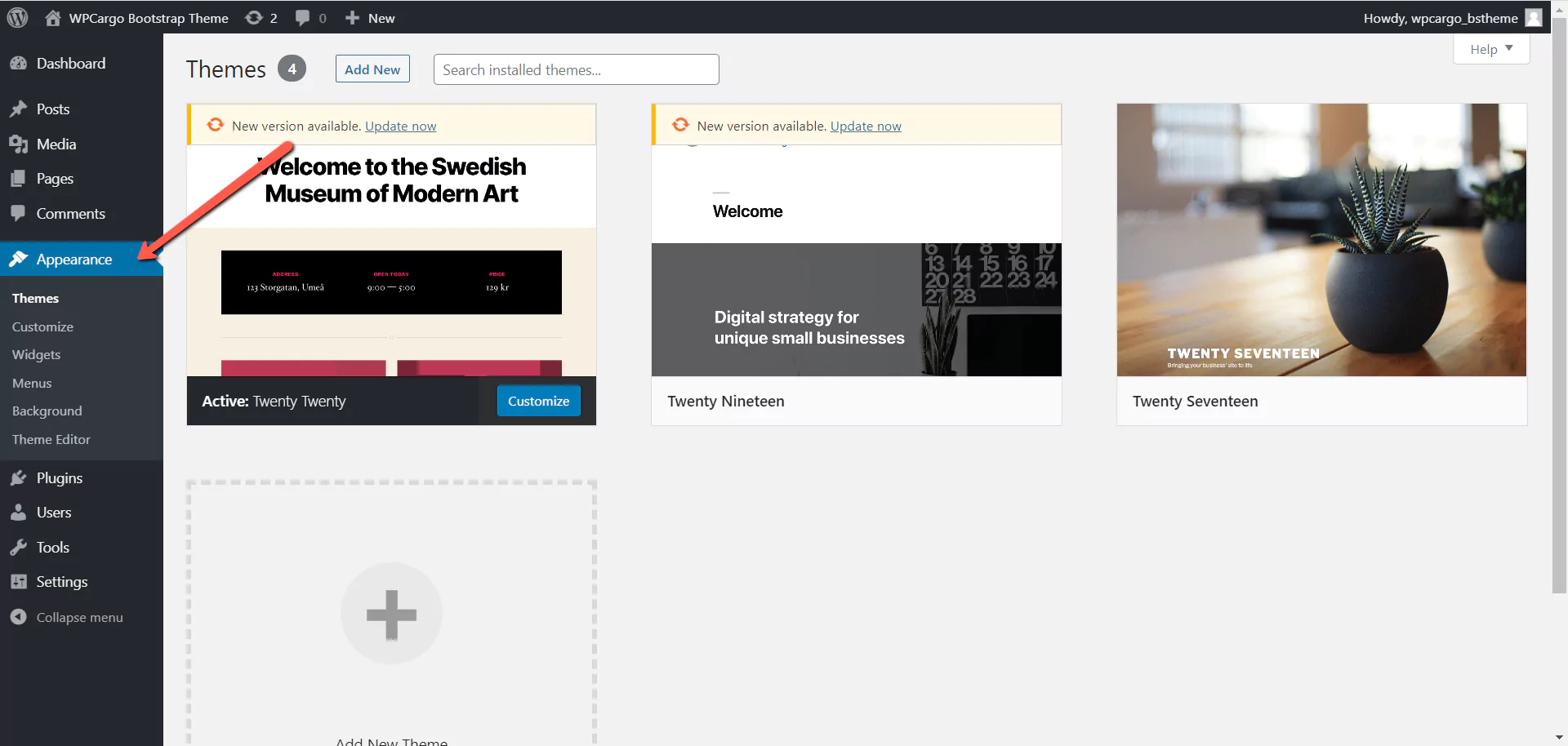
- Go to Dashboard > Appearance.
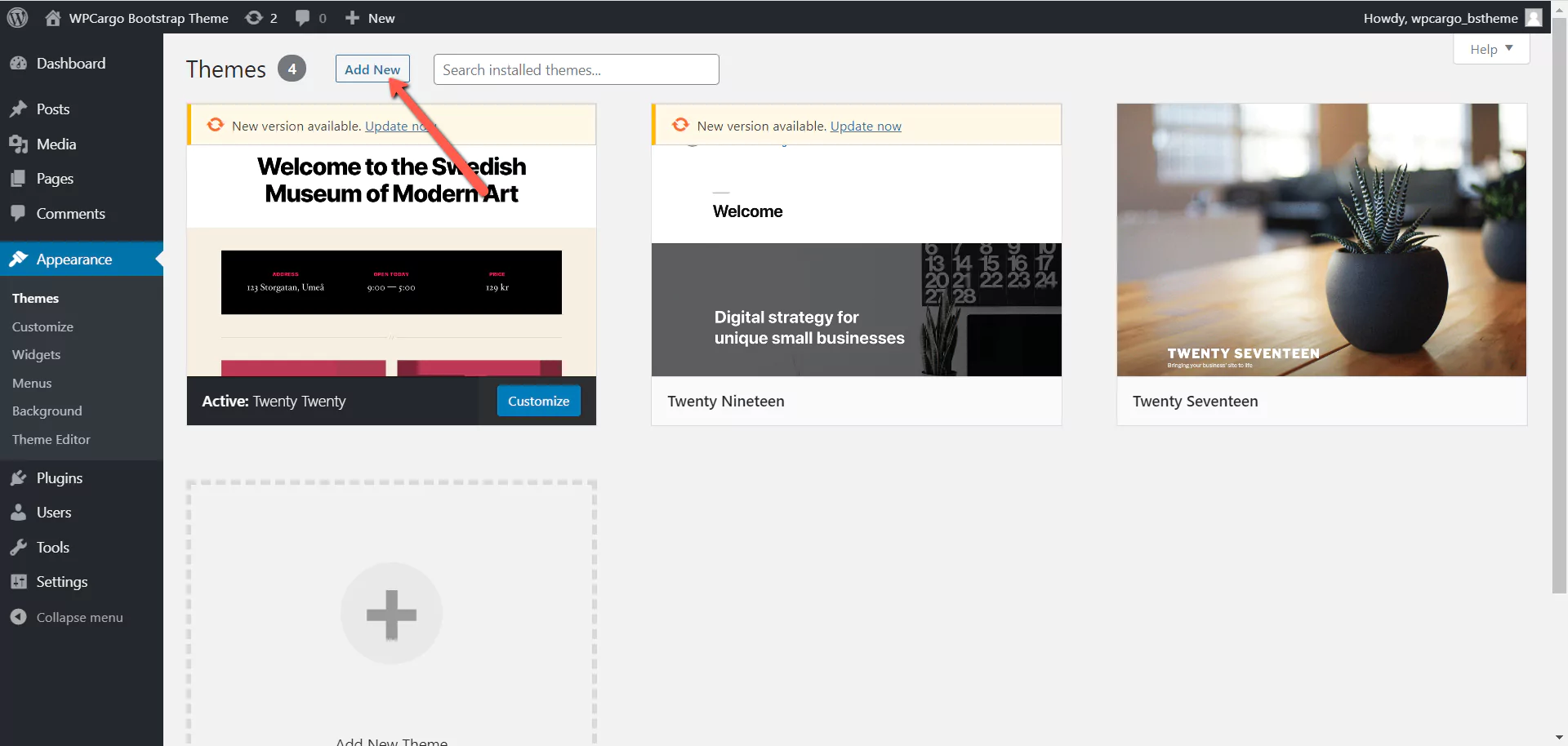
- Click the Add New button at the top of the page. This will redirect you to the list of plugins page that are free to download
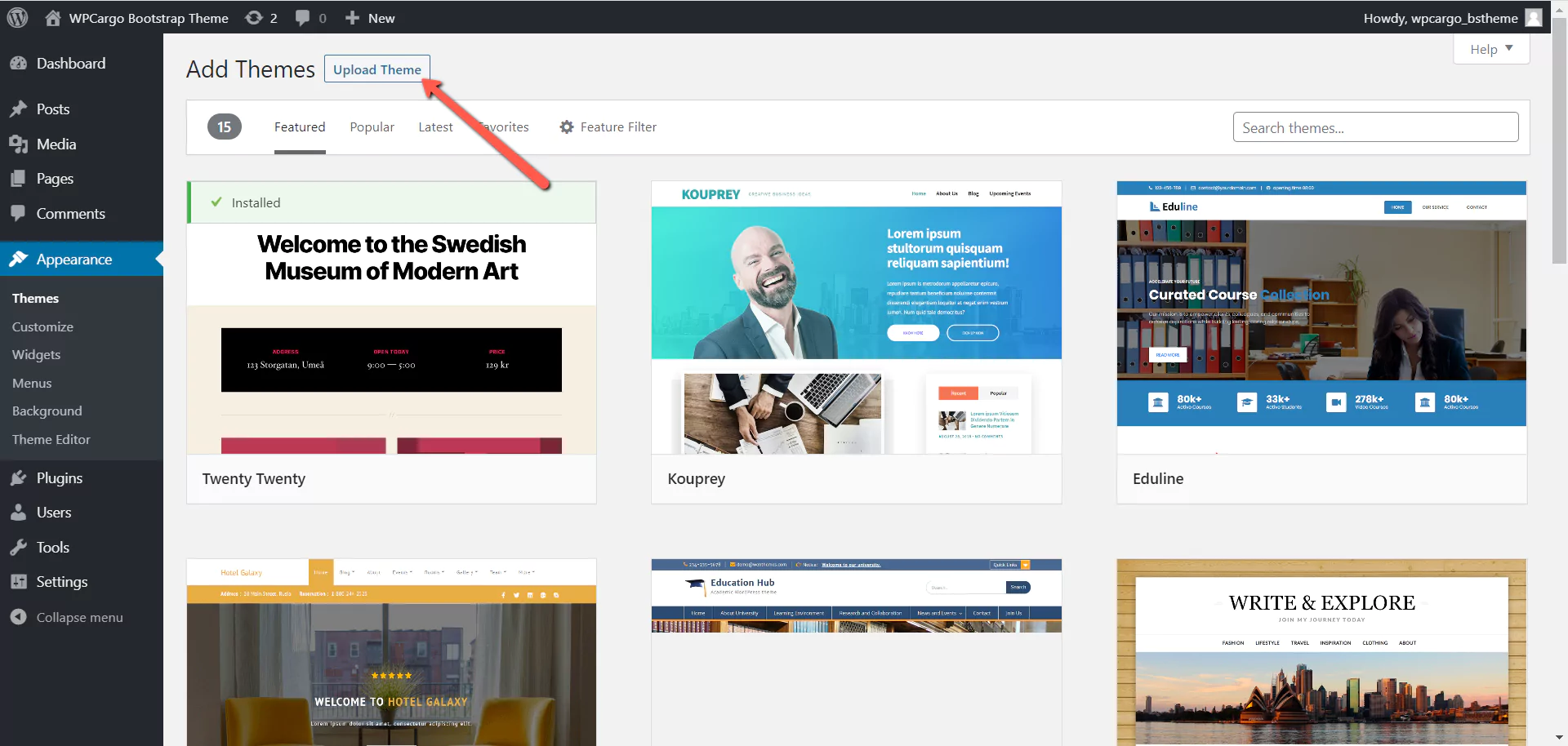
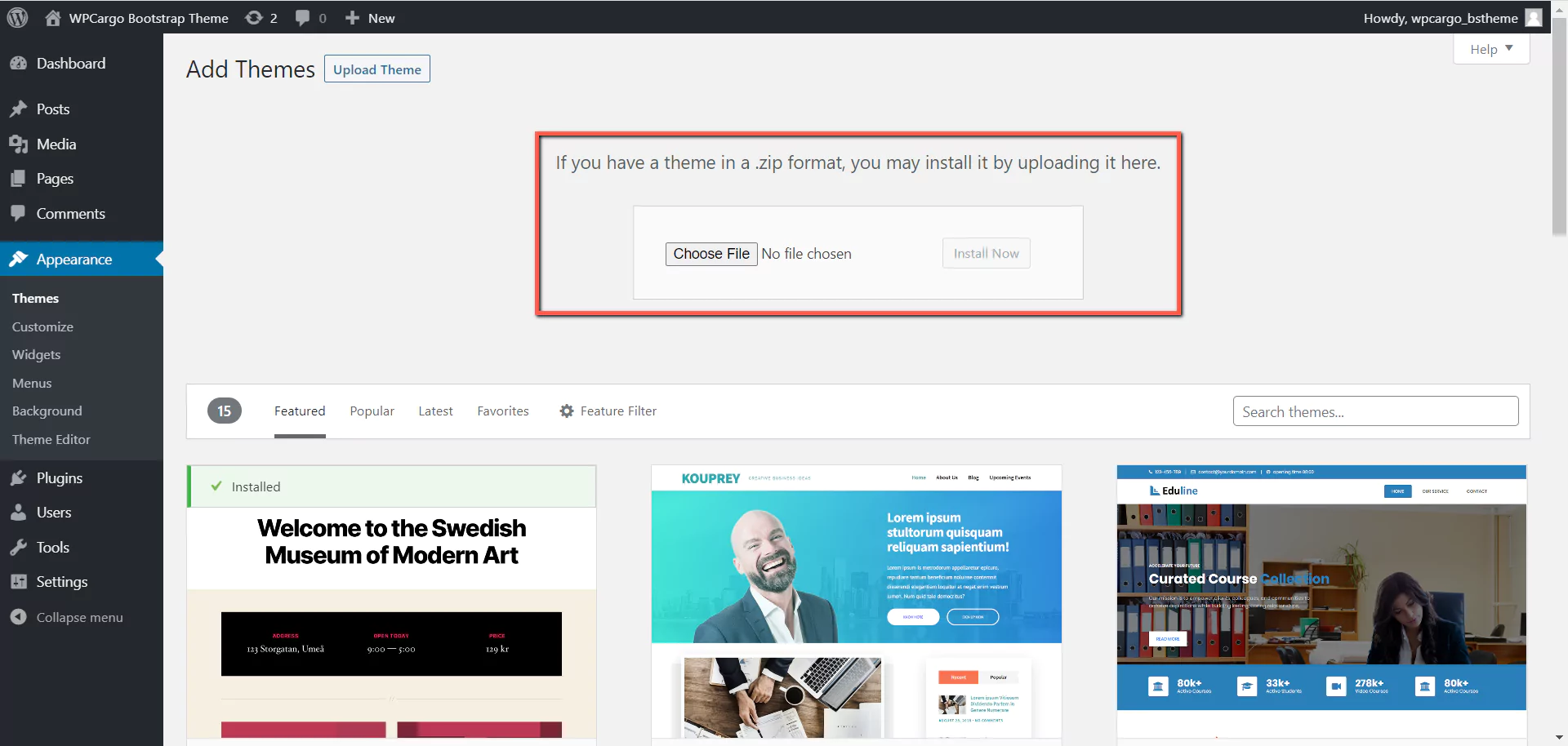
- Click the Upload button at the top of the page. This will then show an upload section wherein you will upload your theme.
- Click Choose file button and select the theme’s zip file and click Install button to start installation.
- Click Activate to activate the theme.
- Check your site to see changes made by the theme.